 Digitala Produkter och Tjänster
Visitfreedom.to
Affiliate link · You'll be redirected to the retailer's website.
Freedom (freedom.to) is a cross‑device distraction‑blocking service that helps users create focused work sessions by blocking websites, apps and the wider internet on desktop and mobile devices. It combines a simple schedule builder with customizable blocklists so you can run single sessions, recurring schedules (for work hours or study blocks) or on‑demand focus periods that sync across devices. The interface is deliberately spare: create blocklists, choose devices, set a time and start a session.
The product supports desktop apps for macOS and Windows, mobile apps for iOS and Android, and browser extensions, letting blocking settings follow you from laptop to phone. Key features include Locked Mode to make sessions harder to break prematurely, cross‑device session sync, and the ability to create multiple blocklists for different needs (work, study, kids). A free trial is offered; a paid subscription is required for unlimited sessions and cross‑device syncing.
Users praise Freedom for staying out of the way while enforcing focus, and for reliable blocking of distracting sites and social media. It isn’t a productivity coach — it’s a tool to remove temptation — so it works best when combined with a clear plan for focused work. Expect occasional configuration steps (creating blocklists, granting app permissions) during setup, especially on mobile where operating system limits affect how deeply other apps can be restricted.
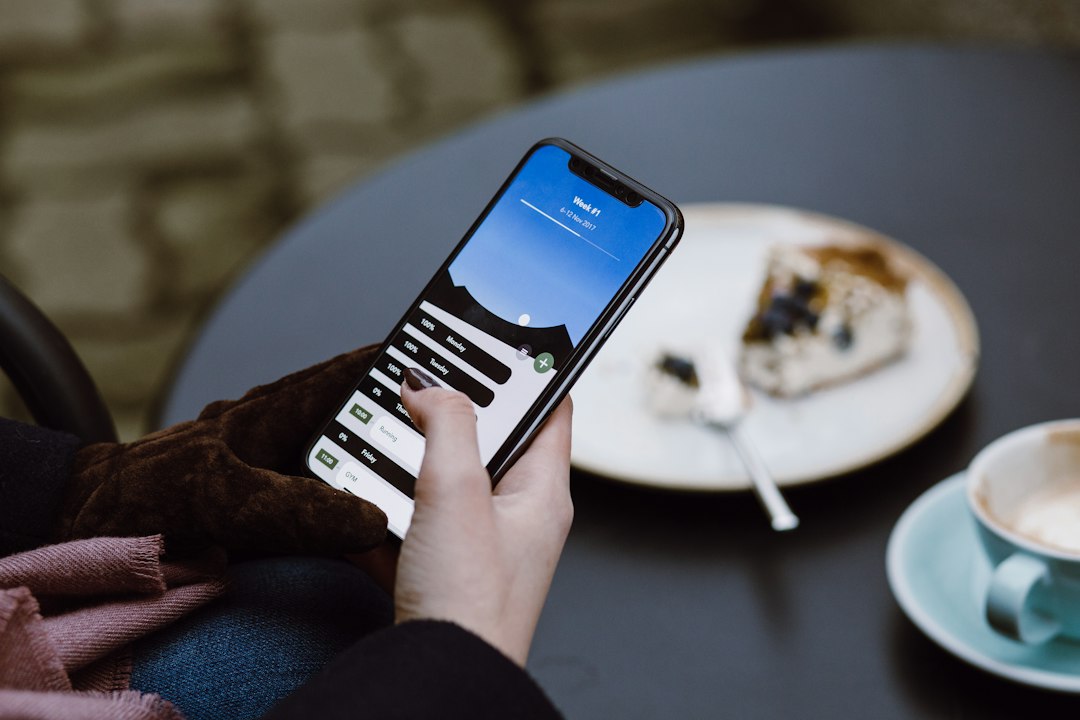


Cross‑device blocking
Sessions and blocklists sync across desktop and mobile so you stay focused no matter which device you use.
Locked Mode
A strict session option that prevents ending a focus period early, useful for firm commitments like exams or deep work.
Custom blocklists & schedules
Create targeted blocklists and recurring schedules for work, study or family screen‑time rules.
Product and platform compatibility
Freedom provides native desktop apps (macOS, Windows), mobile apps (iOS, Android) and browser extensions so blocking can follow you. The product centers on blocklists and scheduled sessions: build lists of distracting sites and apps, then apply them to selected devices or use a full‑internet block. Because of platform restrictions, behavior differs slightly between iOS, Android and desktop; the company documents required permissions and setup steps for each platform.
Customer experience, trials and refunds
Freedom offers a free trial to evaluate core features; ongoing access to cross‑device syncing and Locked Mode requires a subscription. Account management (cancelling or changing plans) is handled through your Freedom account or the app store used to purchase. Refund policies vary by purchase channel, so app‑store purchases follow Apple/Google refund rules while web purchases are handled through Freedom’s support.
Who it's best for
För- och nackdelar
- Blocks websites and apps across multiple devices with synchronized sessions
- Locked Mode option makes it difficult to end a focus session early
- Simple UI and reusable blocklists make recurring schedules easy to set up
- Available on macOS, Windows, iOS, Android and as browser extensions
- Full functionality requires a paid subscription after the trial
- Mobile blocking on iOS is limited by Apple’s system restrictions compared with Android/desktop
- Occasional need to whitelist sites or adjust blocklists for specific workflows
Frequently asked questions
What platforms and devices does Freedom support?
Freedom offers desktop apps for macOS and Windows, mobile apps for iOS and Android, plus browser extensions. Blocking options and required permissions differ slightly by platform; refer to the platform setup guides on freedom.to for exact steps.
Is there a free version or trial?
Yes — Freedom provides a free trial so you can test core blocking features. To use unlimited sessions, cross‑device syncing and premium features like Locked Mode you must subscribe. Details of trial length and included features are shown during sign‑up.
How do I cancel or get a refund?
You can cancel subscriptions from your Freedom account or via the App Store/Google Play if you purchased there. Refunds depend on the purchase channel: app‑store purchases follow Apple/Google policies, while web purchases are handled by Freedom’s support team and subject to their refund terms.
Visitfreedom.to
Affiliate link · You'll be redirected to the retailer's website.
 https://www.literatureandlatte.com/
 The Great Courses
 photobookcanada.com
 photobookaustralia.com.au