 Produkty Cyfrowe i Usługi
Visitfotor.com
Affiliate link · You'll be redirected to the retailer's website.
Fotor is a web-first photo editing and design tool that packs a broad set of utilities into a simple, browser-based interface. The core editor covers common photo tasks — crop, exposure, color adjustments, portrait retouching and background removal — alongside a library of ready-made templates for social posts, ads and collages. You can use it in a browser without installing software; apps for iOS and Android extend the same toolbox to mobile edits.
Beyond the basics, Fotor markets several AI-assisted features that speed routine work: one-click enhancement, an AI image generator, and automated background removal. A free tier lets you try many functions and templates, while a paid “Pro” subscription removes ads, unlocks premium templates and assets, and raises export quality and format options. The platform aims at people who want faster, template-driven results rather than pixel-level control.
The interface trades some depth for convenience: it’s faster to produce social graphics here than in desktop-first suites, but advanced compositing and color grading tools are limited compared with professional software. Customer support is primarily online (help docs and tickets), and the site lists subscription billing and account management options in account settings. Overall, Fotor lanes itself squarely between simple mobile apps and heavyweight desktop editors — useful for marketers, creators and casual photographers who value speed and templates over granular manual control.


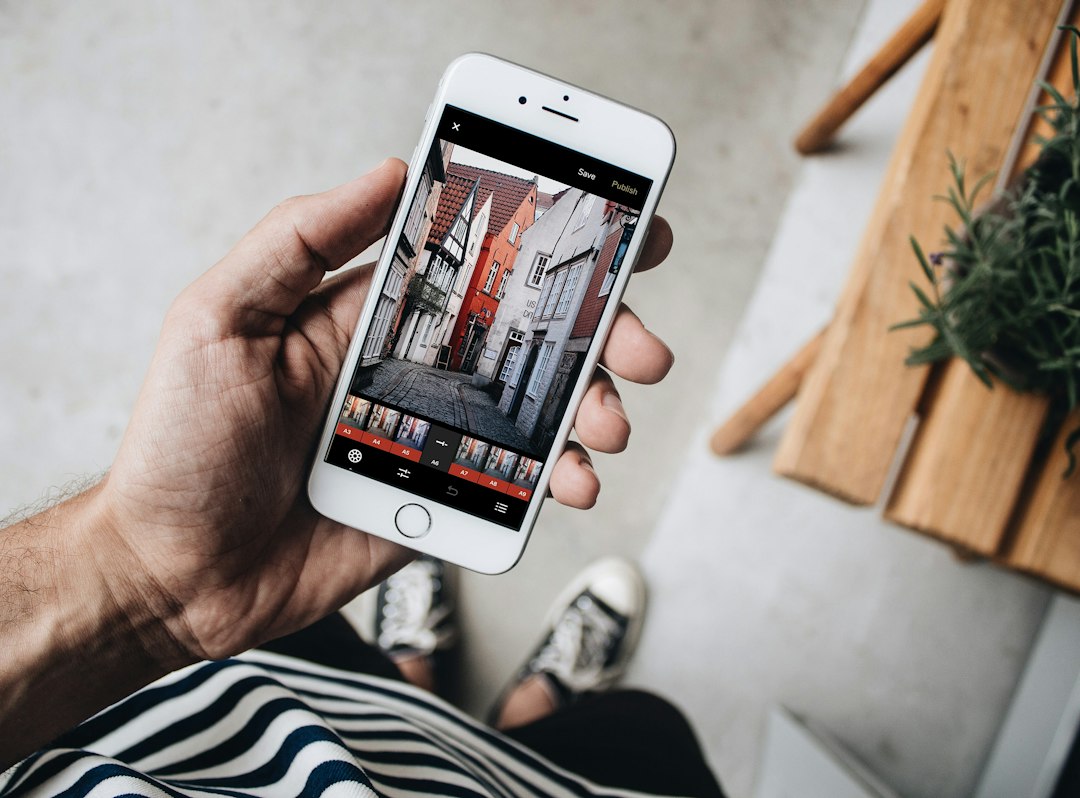

Template library
Extensive, ready-made templates for social posts, banners and collages make producing polished graphics fast.
AI-assisted edits
Built-in AI features speed routine tasks like background removal, one-click enhancement and creative image generation.
Browser-first workflow
Work directly in a web browser (or mobile app) without installing heavy desktop software, ideal for quick projects.

Product offering and features
Fotor combines a photo editor, a design maker and an AI image generator in one platform. The editor covers common retouching tools, color controls, portrait touch-ups and a background remover, plus a library of customizable templates for social and marketing graphics. The site offers both a free tier and a paid Pro plan that unlocks premium templates, assets and higher-resolution export options; mobile apps mirror many web features for editing on the go.

Customer experience, billing and support
Accounts are managed online: sign up with email or a social login, upgrade to Pro from account settings, and handle billing through the web interface. Support is delivered primarily through help articles and a ticketing system; live chat is not consistently available. Because Fotor is a digital subscription service, refunds and cancellations follow the platform’s terms—check the help pages or contact support for account- or billing-specific questions.
Who it's best for
Zalety i wady
- Browser-based editor with no install required and mobile apps for on-the-go edits
- Large template library for social posts, ads and collages
- AI tools (one-tap enhancement, AI image generation, background removal) streamline common tasks
- Free tier available to test core features before subscribing
- Advanced editing and fine compositing tools are limited compared with professional desktop software
- Several useful features and high-resolution exports are locked behind the Pro subscription
- Customer support is mostly self-serve documentation and ticketing; response times can vary
Frequently asked questions
Is there a free version of Fotor and what does it include?
Yes — Fotor offers a free tier that gives access to the core editor, many templates and basic AI tools. The free tier is useful for casual edits, but premium templates, some AI features and higher-resolution exports require a Pro subscription.
What export formats and resolutions does Fotor support?
Fotor supports common raster exports such as JPG and PNG; transparent PNG export and higher-resolution output are typically part of the paid plan. Exact maximum resolution can depend on the file and plan, so check export options in the editor before finalizing.
Can I use images and designs from Fotor commercially?
You can create and use your own designs commercially, but stock assets and some premium resources may have specific licensing restrictions. Review Fotor’s terms of use and any asset license notes, or contact support if you plan extensive commercial use of third-party assets.
Visitfotor.com
Affiliate link · You'll be redirected to the retailer's website.
 k4g.com
 xmind.com
 usepastel.com
 yourtownprizehomes.com.au